ECONOMY
Free
- Full Journey learning path
- 10 learning sessions a day
- Streaks, stats & progress
- Your airline & home base
- Private iCloud sync
Free forever — no account, no credit card, no ads.
Now boarding · iPhone
Learn the world's airport codes — three letters at a time. WingPath turns them into a quick daily set that actually sticks, with spaced repetition and a streak you'll want to keep. Anyone can play — and airline crews can go deeper by learning their own network first.
FREE TO LEARN · NO ACCOUNT · NO ADS, NO TRACKING
iOS at launch · Android coming later
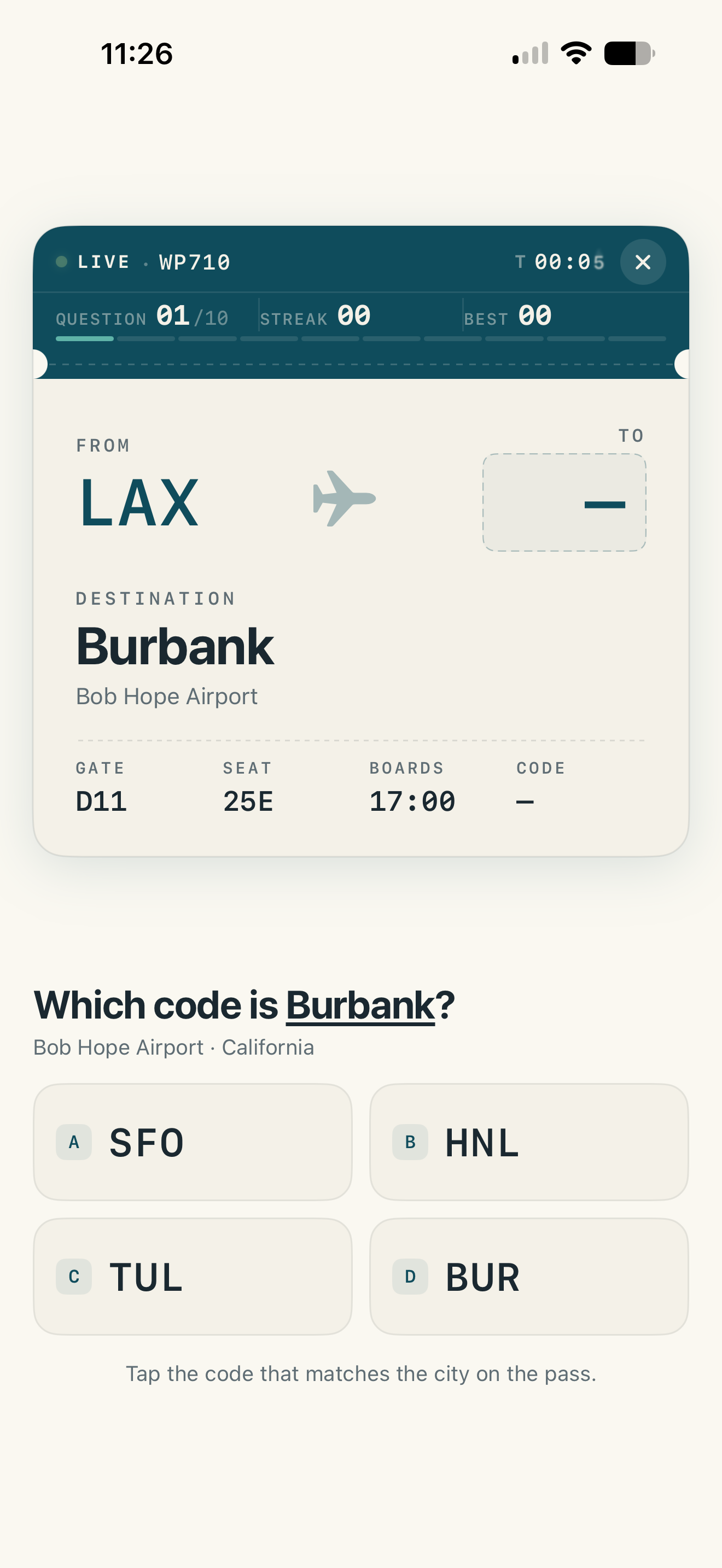
Gate 01 · Your airline
Tell WingPath who you fly with and where you're based, and it builds your learning path from your own network outward — the stations your airline serves from your base first, then hubs, focus cities, and the rest of the world.
New hire at a regional? Twenty-year captain switching fleets? The path starts where you are.
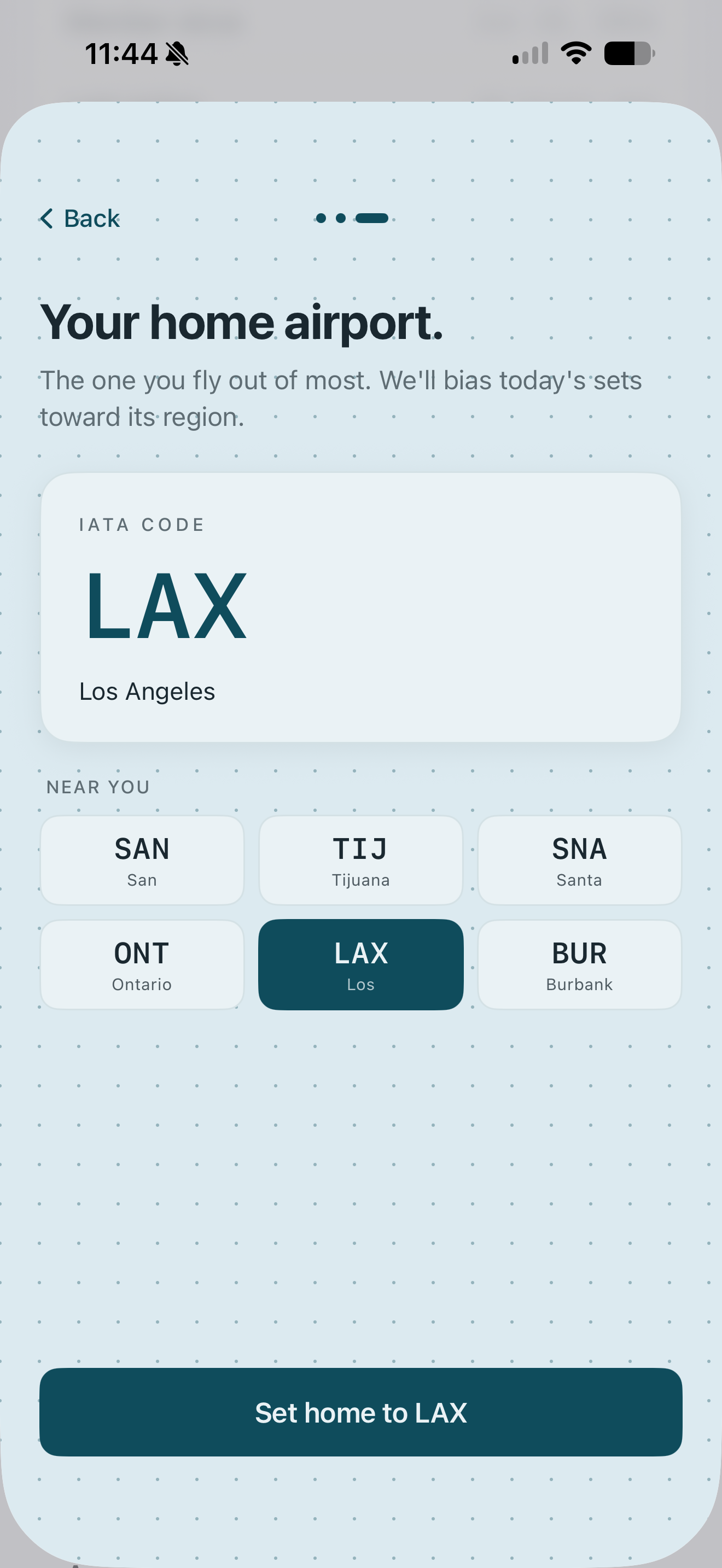
Gate 02 · Journey mode
Journey mode serves a short daily set tuned by spaced repetition — codes resurface right before you'd forget them, so they move from recognition to recall to reflex. Pick a pace and keep the streak alive.
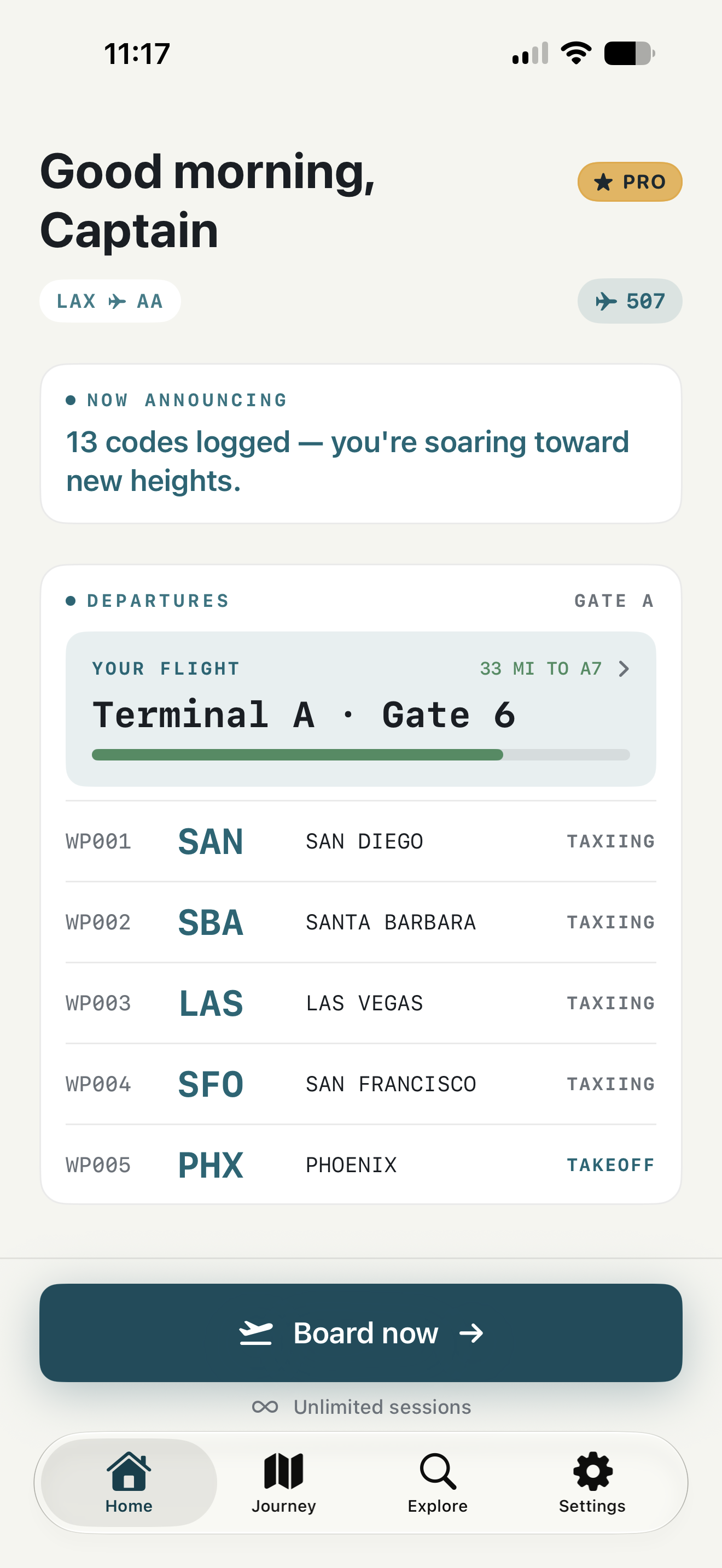
Gate 03 · Terminals & gates
No endless lists. Your path is laid out like an airport — terminals hold gates, gates hold codes. Master a gate and the next one opens, with a proper celebration when you clear it.
Which code is San Francisco International?
Tap a code to try it.
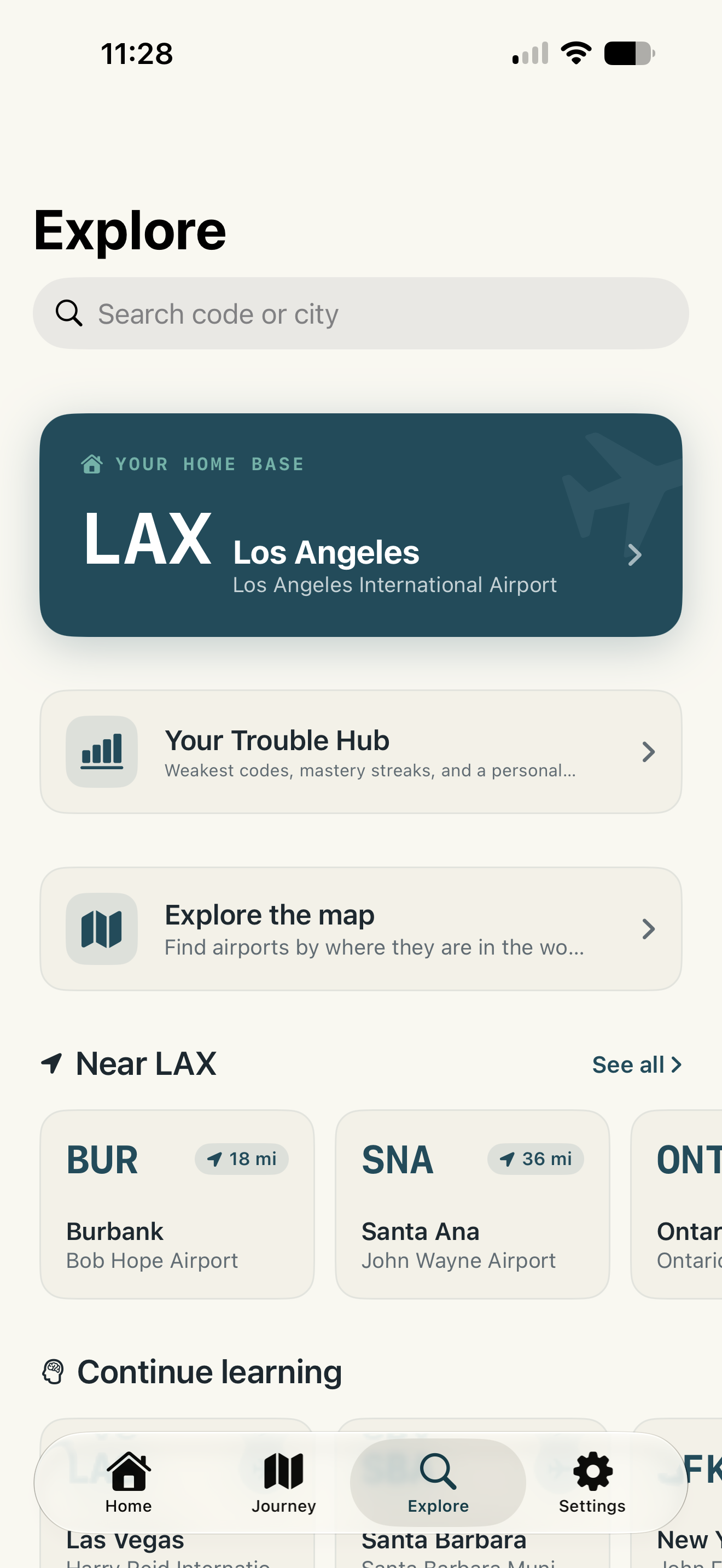
Gate 04 · Airport explorer
With WingPath Pro, browse the whole map: your home airport, the airports near you, your airline's network, and every region beyond it — with detailed information for every airport, including its four-letter ICAO code.
Privacy · By design
WingPath has no accounts, no ads, no analytics SDKs, and no tracking. Your learning data lives on your device and syncs through your own private iCloud — we never see it, and we couldn't sell it if we wanted to.
Read the privacy policy →Crew manifest
Fare classes
ECONOMY
Free
Free forever — no account, no credit card, no ads.
WINGPATH PRO
$2.99/month
or $19.99/year · $79.99 lifetime
Lifetime is a one-time $79.99 purchase that unlocks Pro for as long as WingPath is available. All purchases are billed through Apple; the monthly and annual plans renew automatically until cancelled in Settings. See the terms for details.
Information desk
Yes — the full Journey learning path, streaks, stats, and your airline setup are free, with a daily cap of ten learning sessions. WingPath Pro removes the cap and unlocks detailed airport information and every airline and route as they're added, with monthly, annual, or one-time lifetime options.
WingPath's quizzes focus on the three-letter IATA codes used at the terminal — SFO, JFK, LHR. Each airport's four-letter ICAO code is shown in its detail page with WingPath Pro.
Pick your airline and home base during setup, and WingPath builds your learning path around your own network first — the airports your airline serves from your base — then expands outward to hubs, focus cities, and the rest of the world.
No. There's no sign-up, no password, and nothing to verify. Your progress lives on your device and syncs to your other devices through your own private iCloud.
It stays yours. WingPath has no ads, no analytics SDKs, and no tracking. Progress is stored on-device and in your private iCloud, where we can't see it. The full story is in our privacy policy.
Yes. WingPath keeps its airport and airline database on your device, so daily sets work at FL350 or on the subway. Database updates download quietly when you're back online.
WingPath launches on iPhone first. An Android version is on the roadmap for a later date — add your email to the launch list and we'll let you know the moment it's ready.
WingPath is in active development and headed to the App Store. Tap “Get notified” above and we'll email you once — at launch.
WingPath is boarding soon on the App Store. Leave your email and we'll send exactly one message — at launch.
Get notified at launchiOS at launch · Android coming later